

Travel
TravelCap
Trips, tickets and travel documents in one place.
Trips, packing, transit, and documents — local-first TravelCap organizer.
Example days with TravelCap
Fictional walkthroughs — people, screenshots, and numbers are made up for the story.
Every screen
13 screens from TravelCap 1.1.11, captured in light and dark on iPhone, iPad and Mac.
What it does
Before, during, after — every mile on your device.
- Trip dashboard
- Transit and stays
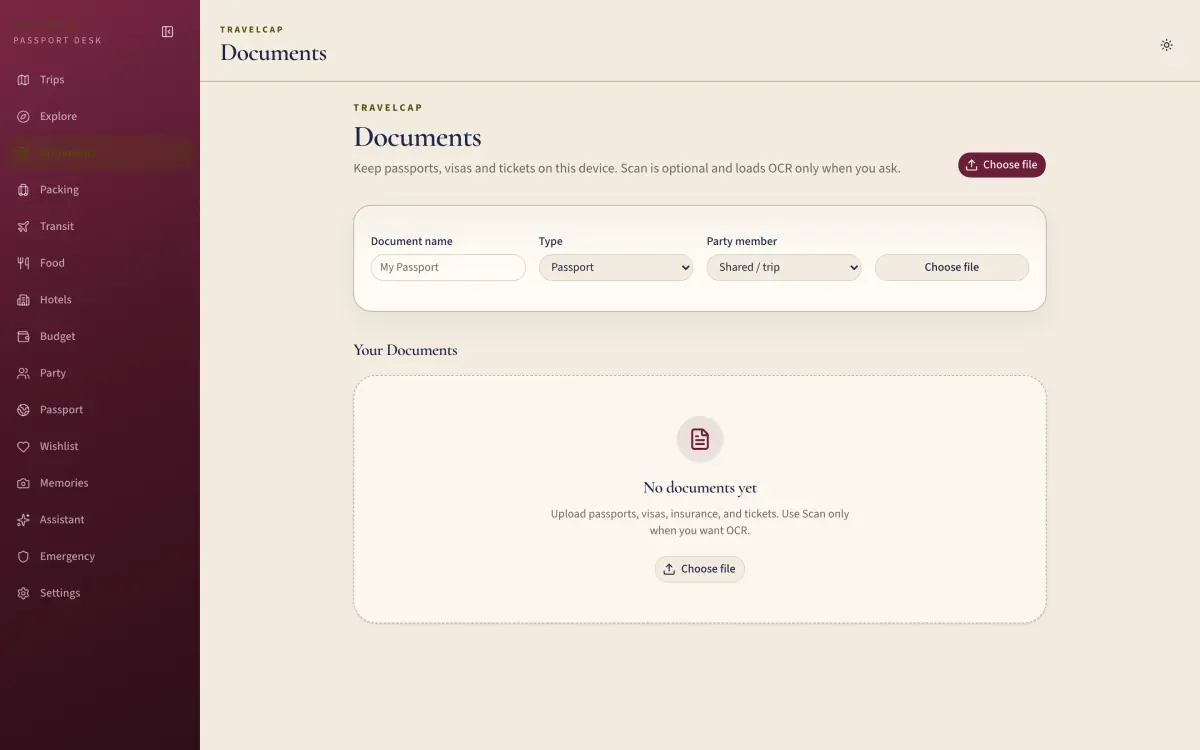
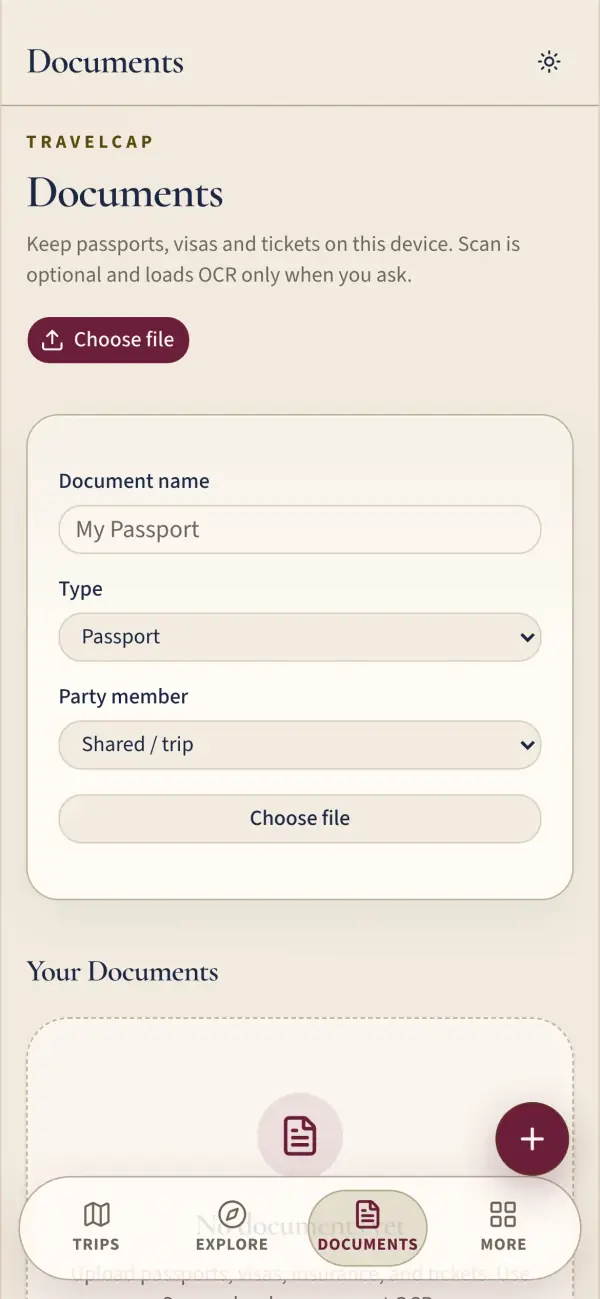
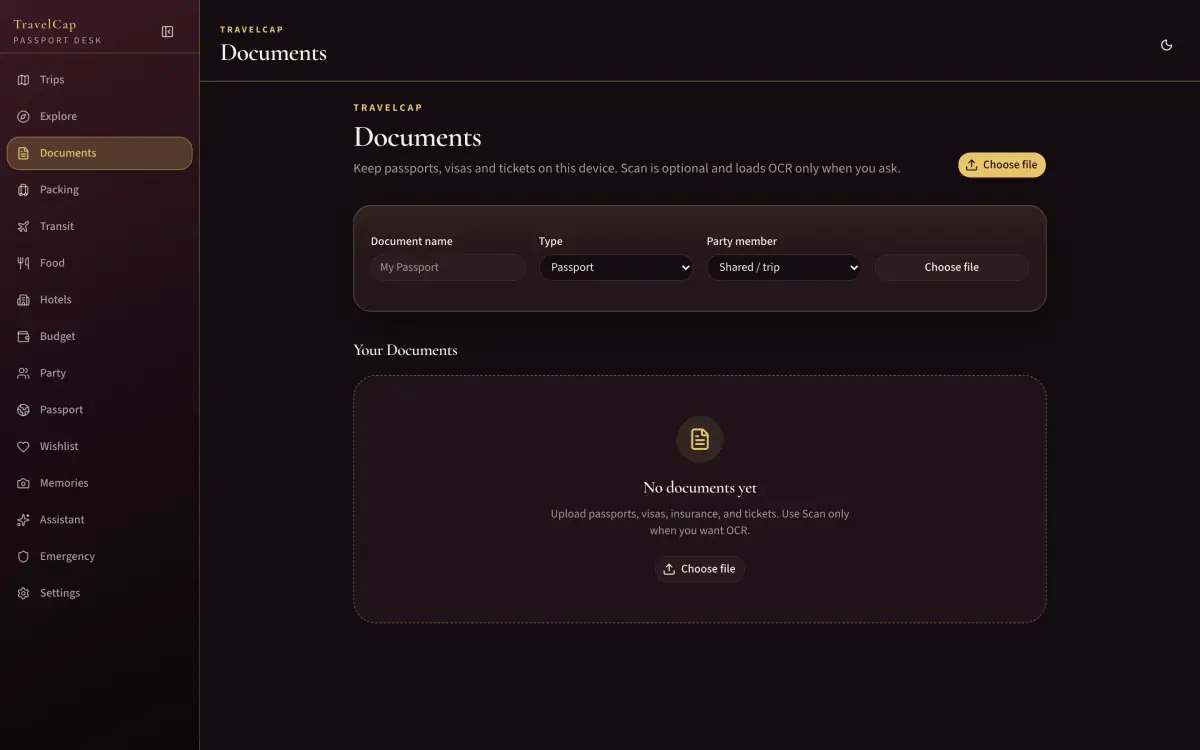
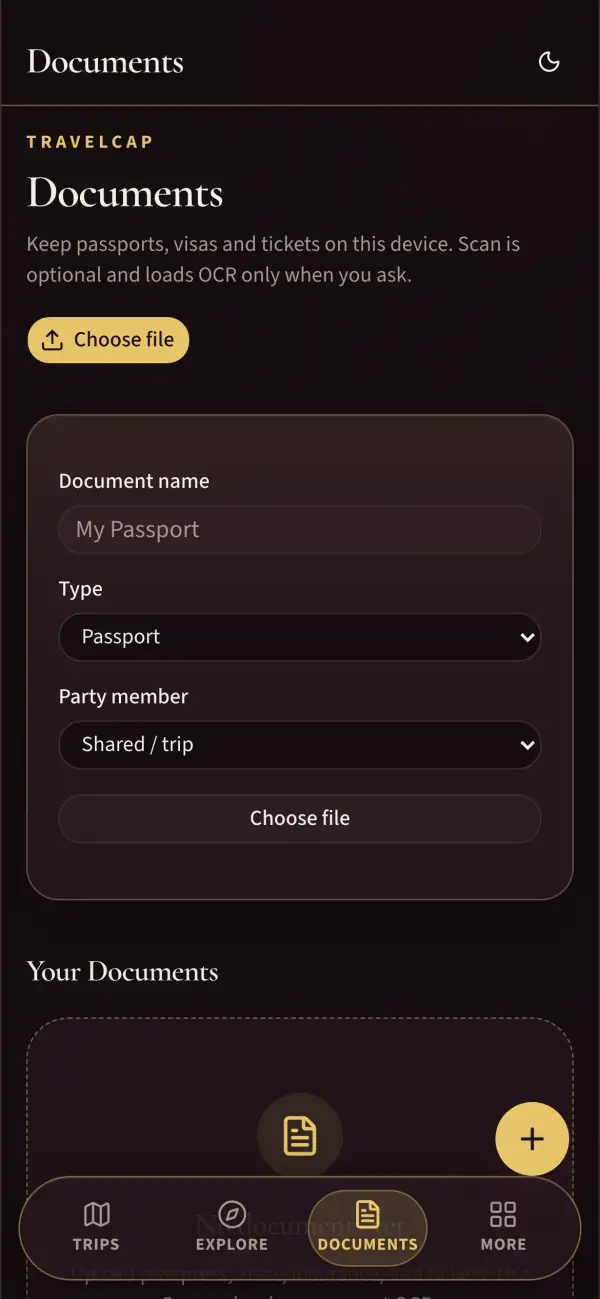
- Document vault
- Always check official sources for visas and flights
Documents
- DocumentsDocument vault.
Explore
- ExploreCurated destinations on-device.
More
- BudgetSpend and splits.
- EmergencyEmergency contacts hub.
- MoreSecondary features hub.
- PackingPacking checklist.
- PassportStamps and world explored.
- SettingsTheme, lock, optional flight key.
- TransitAir, rail, road and sea.
System
- OfflineDesigned offline page.
Trips
- DashboardPassport desk with a demo journey.
- Trip detailDemo trip detail.
- TripsTrip list.
Privacy, plainly
Taken from TravelCap’s own privacy page.
Stays on your device
Trips, tickets, documents, budgets, packing lists and memories.
May leave your device
- Nominatim (OpenStreetMap)
- Place and hotel searches you type.
- OpenStreetMap tiles
- Map images for your stamps map.
- Open-Meteo
- Weather for packing hints.
- AviationStack (optional)
- Flight lookups — only with your own key.
Never
- Analytics or trackers
- Ads
- An account to use it
- Selling or sharing your data
Put it on your Home Screen
TravelCap is a web app — installing takes a few seconds and it opens full-screen, offline.
iPhone & iPad
Open TravelCap in Safari, tap Share, then Add to Home Screen.
Mac
In Safari choose File → Add to Dock. In Chrome or Edge, click the install icon in the address bar.
Android
In Chrome, open the ⋮ menu and tap Install app.
Questions
Is it free?
Yes. Every feature, no ads, no subscriptions, no account.
Where is my data?
Trips, tickets, documents, budgets, packing lists and memories. It lives in this browser on this device — clearing site data erases it, so export a backup first.
Can I book flights in TravelCap?
No. TravelCap organises trips you have booked. Always check official sources for visas, entry rules and flight times.
Can I lock my documents?
Yes — an optional app lock protects your travel documents.
Does it work offline?
Your trips and documents do. Search, maps and weather need a connection.
Latest release
v1.1.11
Always check official sources for visas, entry rules and flight times.