

Finance & Identity
VaultCap
Everything you own, encrypted on your device.
Private vault for money, identity, and documents — encrypted on your phone before anything is saved.
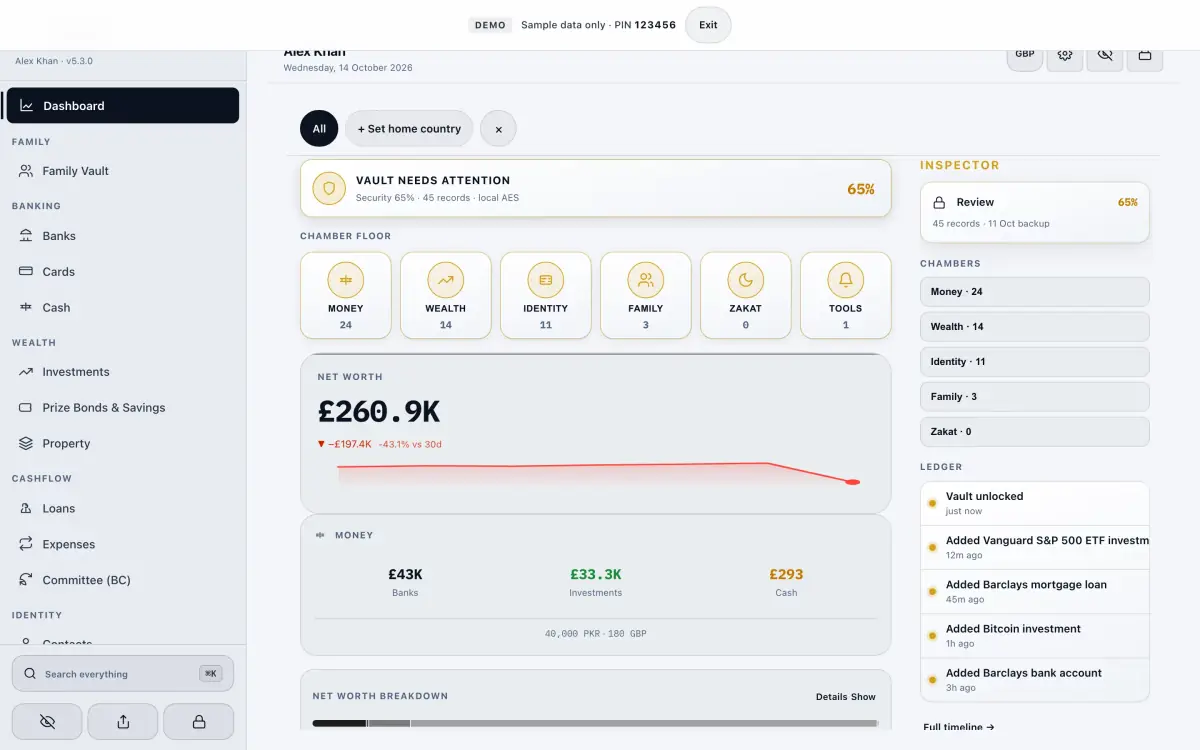
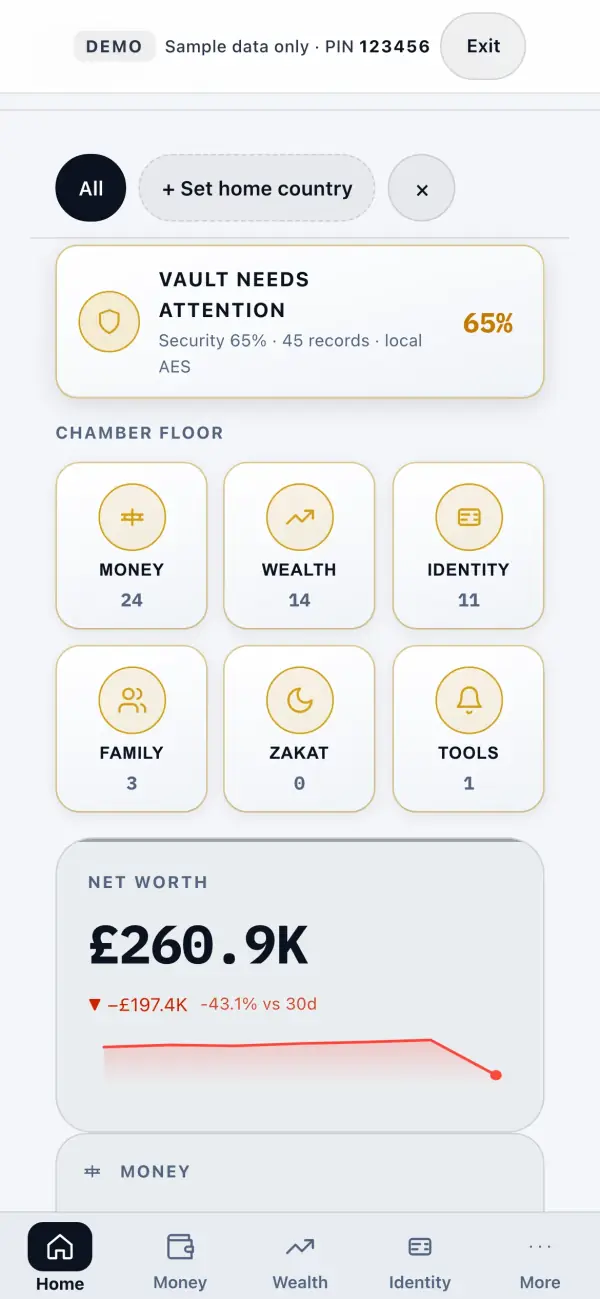
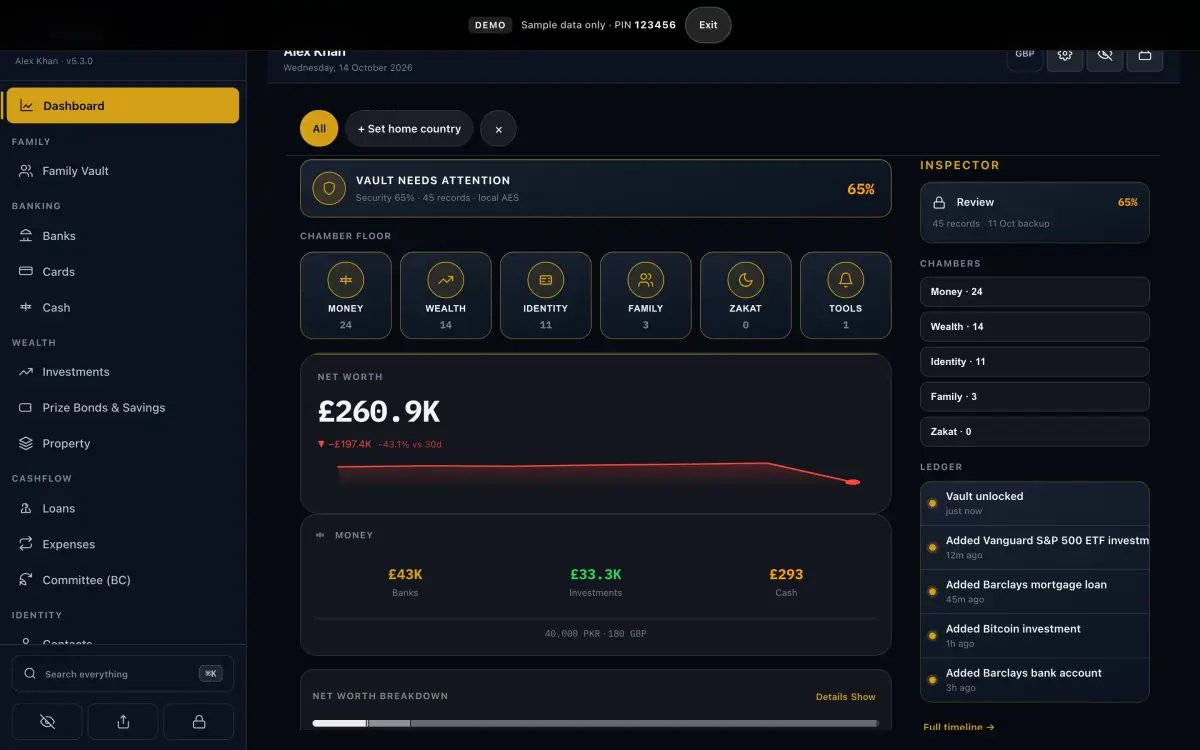
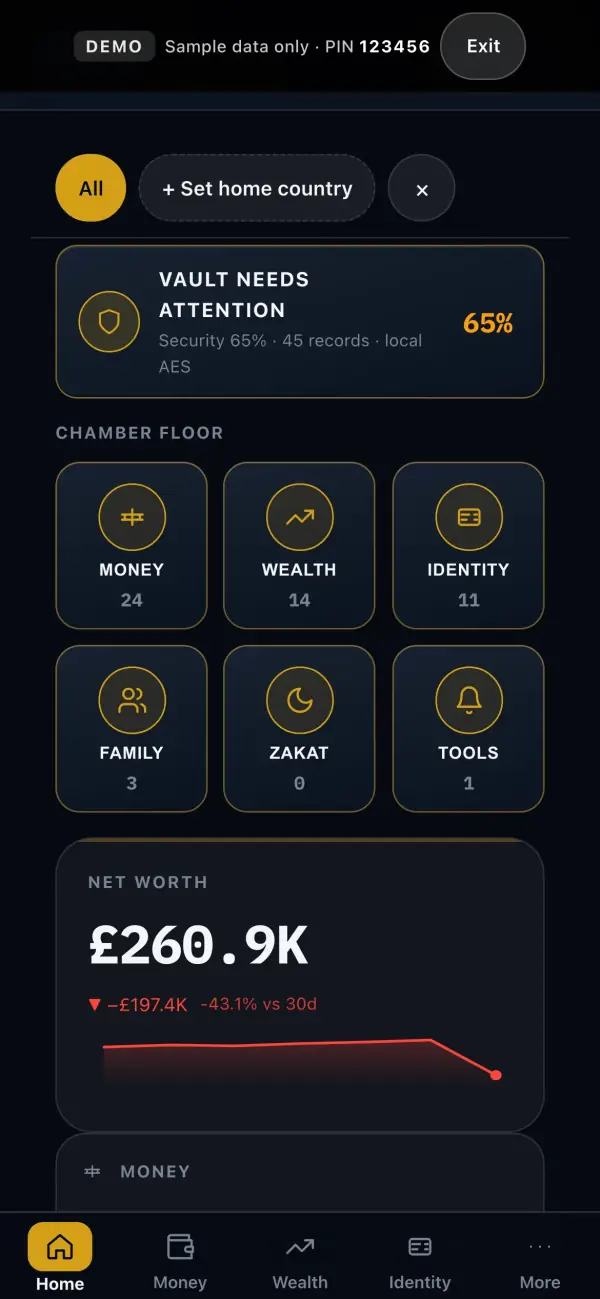
Example days with VaultCap
Fictional walkthroughs — people, screenshots, and numbers are made up for the story.
Every screen
34 screens from VaultCap 5.4.3, captured in light and dark on iPhone, iPad and Mac.
What it does
Bank-grade encryption. No account. No server. Just your vault.
- AES-256-GCM vault with local PIN
- Bank import on device
- Family profiles — each encrypted
- Zakat from real holdings
Finance
- DashboardNet worth at a glance — everything you own, encrypted on this device.
- MoneyEvery money module in one place.
- BanksBank accounts across 120+ banks, stored only on your device.
- CardsCards with masked numbers and expiry reminders.
- CashCash in hand, tracked simply.
- InvestmentsStocks, funds and holdings with running totals.
- BondsBonds and certificates with maturity dates.
- Digital assetsWallets and digital assets — never connected online.
- CurrencyForeign currency holdings.
- LoansLoans you owe and are owed, with schedules.
- CreditCredit lines and utilisation.
- CommitteesCommittees (BC) — members, rounds and payouts.
- ExpensesSpending by category, month by month.
- TaxA tax summary built from your own records.
- ZakatZakat calculated from your actual holdings.
Vault
- VaultDocuments, identities and family — the private side.
- DocumentsPassports, IDs and papers, encrypted.
- Email accountsEmail accounts and recovery details.
- SIM cardsSIM cards and numbers.
- FamilyFamily vault profiles, each encrypted.
- FriendsTrusted contacts.
Assets
- AssetsProperty, vehicles and valuables.
- All assetsEvery asset with its value and papers.
Life
- RemindersRenewals and due dates.
- AlertsWhat needs your attention.
- TimelineYour records on a timeline.
- EmergencyEmergency details, ready when it matters.
- Recovery centerWhat to do if a device is lost.
System
- Smart ImportSmart Import from statements and files — on device.
- BackupEncrypted .vos backups you keep.
- SecurityPIN, passkey and auto-lock.
- TrashDeleted items, recoverable for a while.
- HelpGuides and answers.
- SettingsProfile, appearance and modules.
Privacy, plainly
Taken from VaultCap’s own privacy page.
Stays on your device
Accounts, cards, documents, family profiles and backups — encrypted with AES-256-GCM before they are saved.
May leave your device
- Nothing by default
- Optional Smart Import parsing goes to a Capricorn Cloudflare Worker only if you turn it on in Settings → Import.
Never
- Analytics or trackers
- Ads
- An account to use it
- Selling or sharing your data
Put it on your Home Screen
VaultCap is a web app — installing takes a few seconds and it opens full-screen, offline.
iPhone & iPad
Open VaultCap in Safari, tap Share, then Add to Home Screen.
Mac
In Safari choose File → Add to Dock. In Chrome or Edge, click the install icon in the address bar.
Android
In Chrome, open the ⋮ menu and tap Install app.
Questions
Is it free?
Yes. Every feature, no ads, no subscriptions, no account.
Where is my data?
Accounts, cards, documents, family profiles and backups — encrypted with AES-256-GCM before they are saved. It lives in this browser on this device — clearing site data erases it, so export a backup first.
What if I forget my PIN?
Your vault is encrypted on this device with your PIN. If you forget it, your data can't be recovered — keep an export somewhere safe.
Can my family use it?
Yes — family vault profiles keep each person’s records separate and encrypted.
Does it work offline?
Yes, after the first visit.
Latest release
v5.4.3
Your vault is encrypted on this device with your PIN. If you forget it, your data can't be recovered — keep an export somewhere safe.