
Home
CookCap
Your family cookbook, kept like a real book.
Family recipes, cook mode, and shopping list — feels like a real book.
Example days with CookCap
Fictional walkthroughs — people, screenshots, and numbers are made up for the story.
Every screen
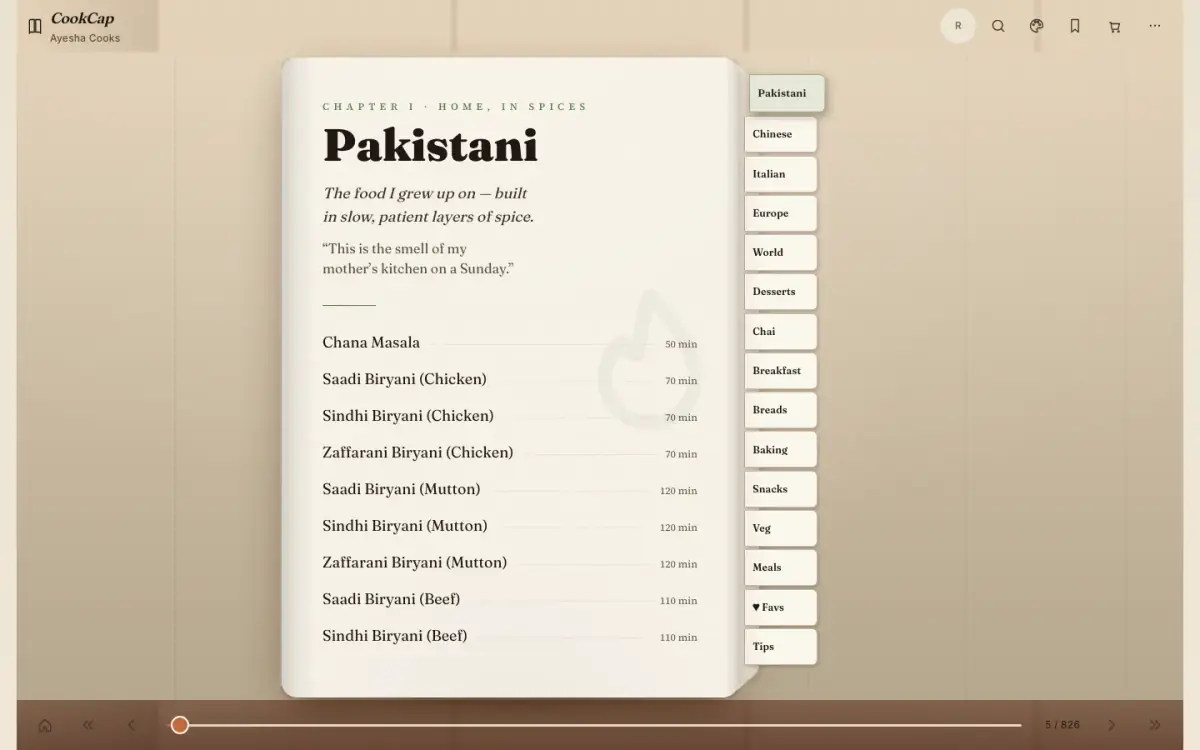
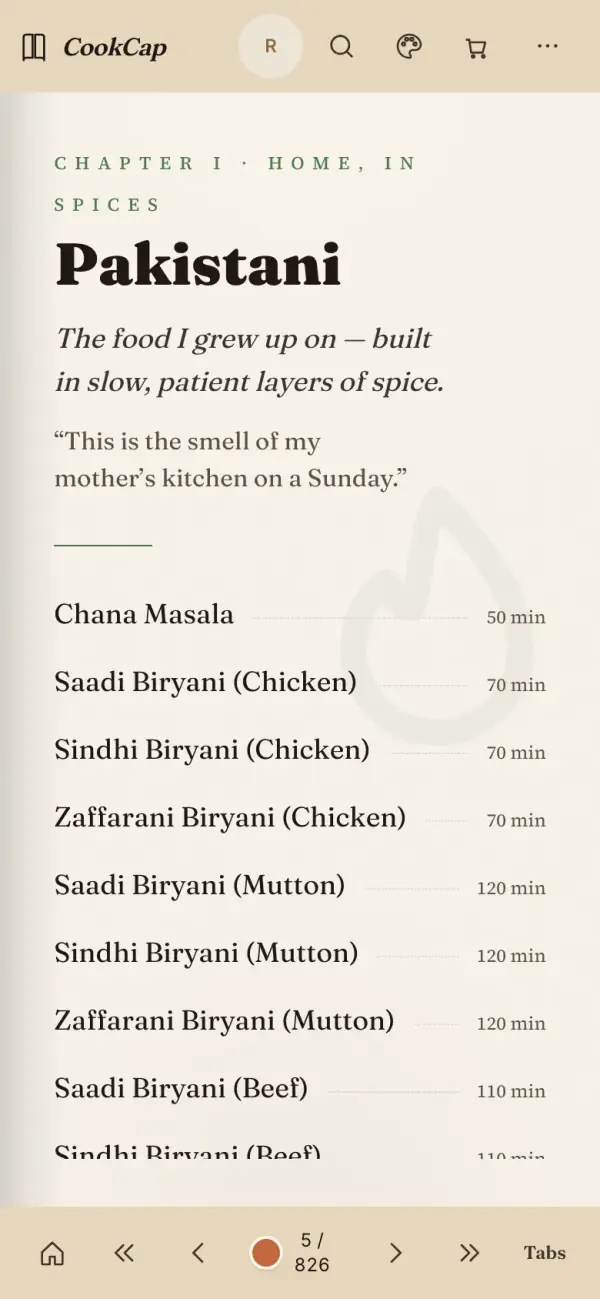
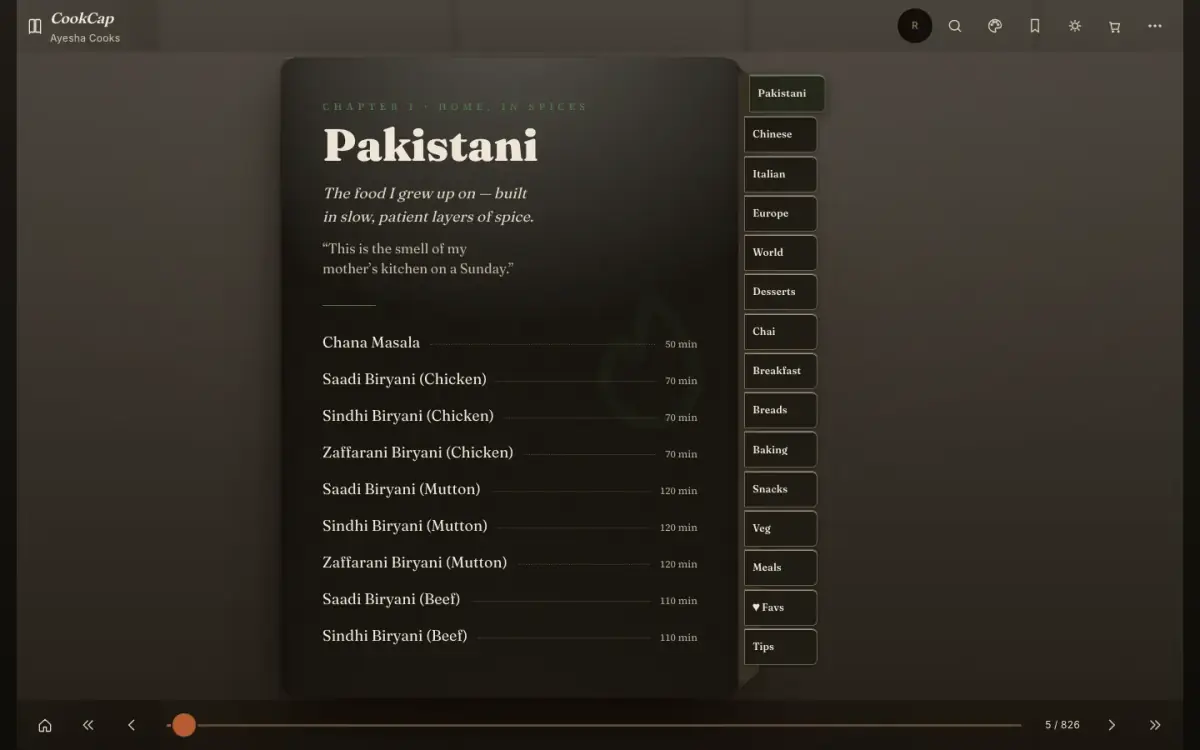
18 screens from CookCap 3.7.4, captured in light and dark on iPhone, iPad and Mac.
What it does
Recipes your family actually cooks. On your device.
- Family cookbook cover
- Cook mode
- Shopping list
- Nutrition estimates only
Book
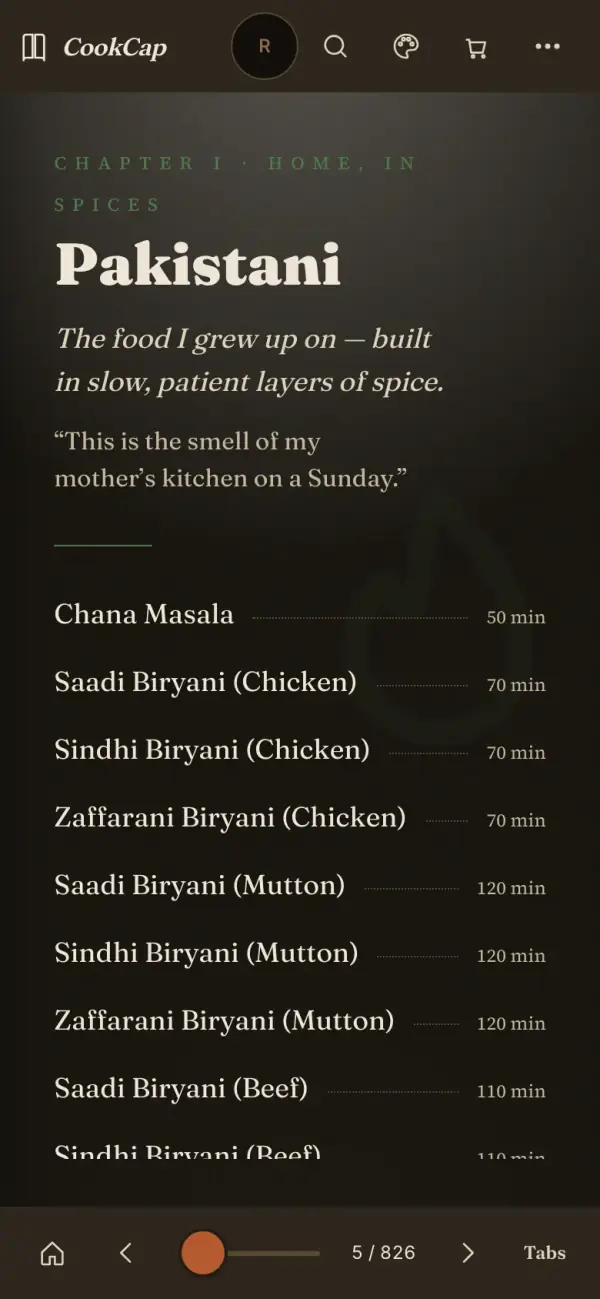
- ChapterEvery chapter opens like a page in a printed cookbook.
- ContentsChapters you flip through like a real book.
- CoverYour family cookbook, with your name on the cover.
- Family & friendsThe people you cook for, inside the cover.
- Page navigatorJump to any page in a tap.
- Paper tabsPaper tabs to jump between sections.
- Title pageA title page that makes the book yours.
Cook
- Cooking lensesRead a recipe for Quick, Budget, Ramadan, Diabetic-friendly and more.
- Cooking modeBig, step-by-step cooking mode with timers.
- Plate viewA recipe seen through the Plate lens.
- RecipeIngredients, steps and servings on one page.
Family
- ProfilesProfiles for each person you cook for.
Find
- SearchFind any recipe by dish or ingredient.
Plan
- CalendarYour cooking calendar.
- Meal plannerPlan the week’s meals.
- PantryWhat’s already in your kitchen.
- Shopping listA shopping list built from your recipes.
You
- AppearancePaper, type and light or dark pages.
Privacy, plainly
Taken from CookCap’s own privacy page.
Stays on your device
Your cookbook, favourites, notes, shopping list, meal plan and profiles.
May leave your device
- Nothing
- Recipes and pictures ship with the app.
Never
- Analytics or trackers
- Ads
- An account to use it
- Selling or sharing your data
Put it on your Home Screen
CookCap is a web app — installing takes a few seconds and it opens full-screen, offline.
iPhone & iPad
Open CookCap in Safari, tap Share, then Add to Home Screen.
Mac
In Safari choose File → Add to Dock. In Chrome or Edge, click the install icon in the address bar.
Android
In Chrome, open the ⋮ menu and tap Install app.
Questions
Is it free?
Yes. Every feature, no ads, no subscriptions, no account.
Where is my data?
Your cookbook, favourites, notes, shopping list, meal plan and profiles. It lives in this browser on this device — clearing site data erases it, so export a backup first.
Are nutrition values exact?
Nutrition values are estimates.
Can I add our own recipes?
Yes — import or add family recipes, and they stay in your book on this device.
Does it work offline?
Yes, after the first visit.
Latest release
v3.7.4
Nutrition values are estimates.