
Performance
PulseCap
Plan, log and track your training. Works offline.
Training log, recovery readiness, and Smart Coach offline — no wearable required.
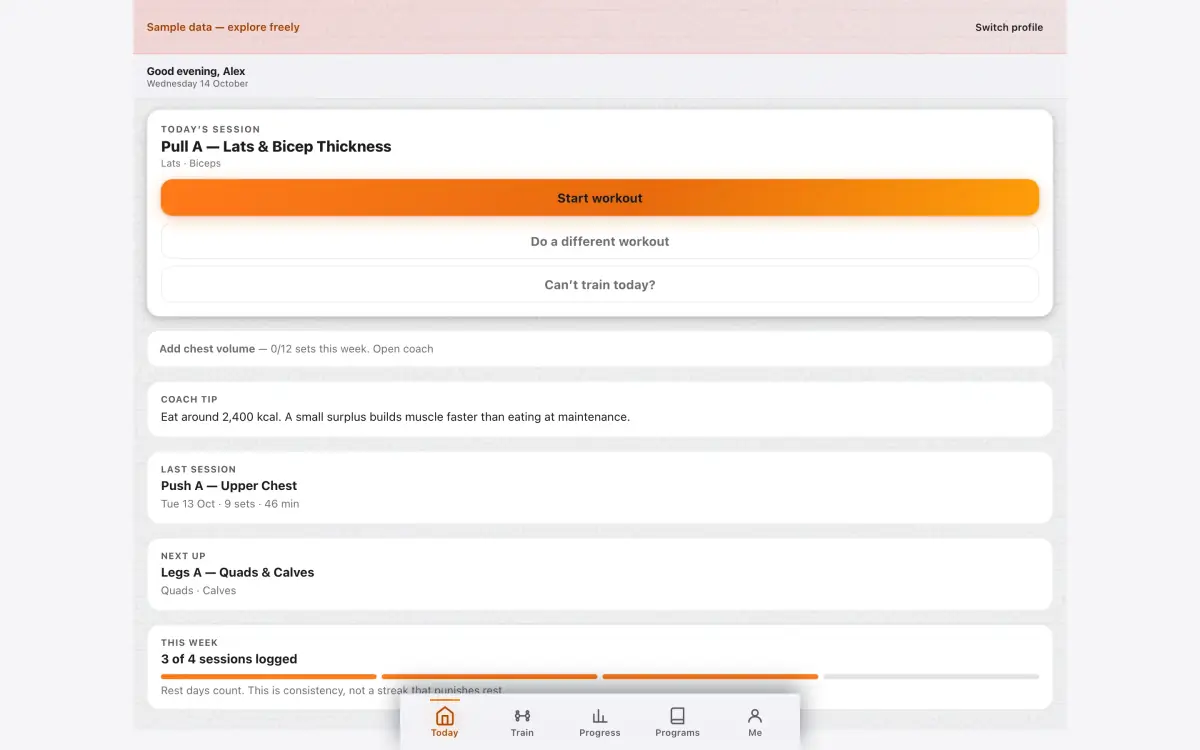
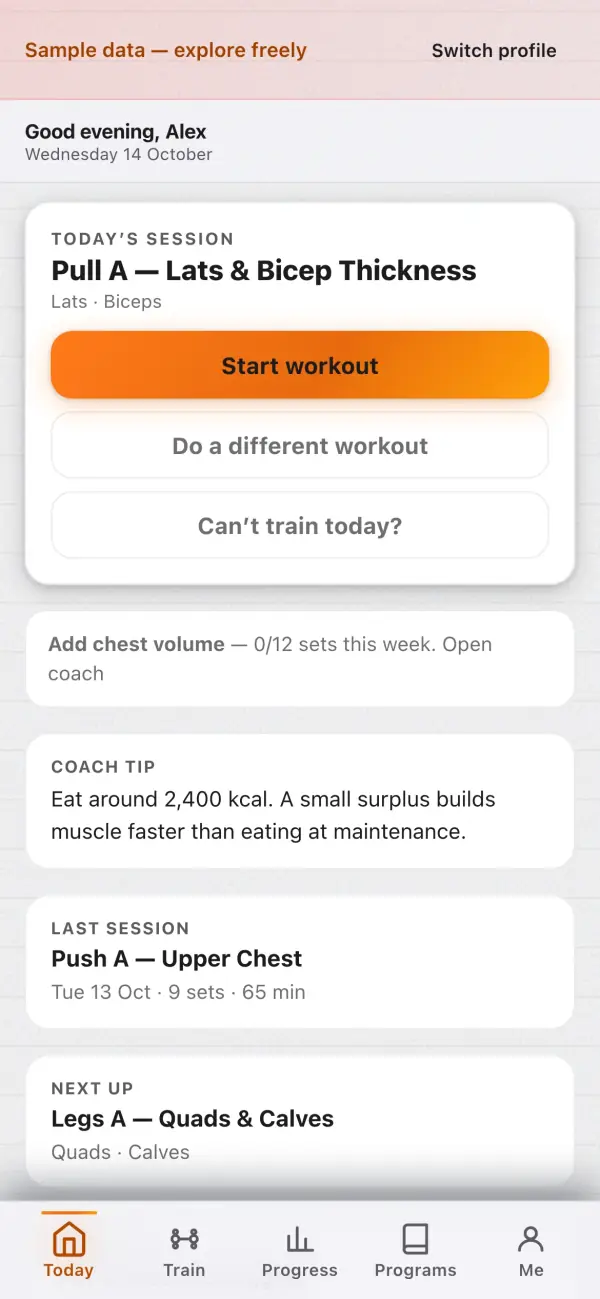
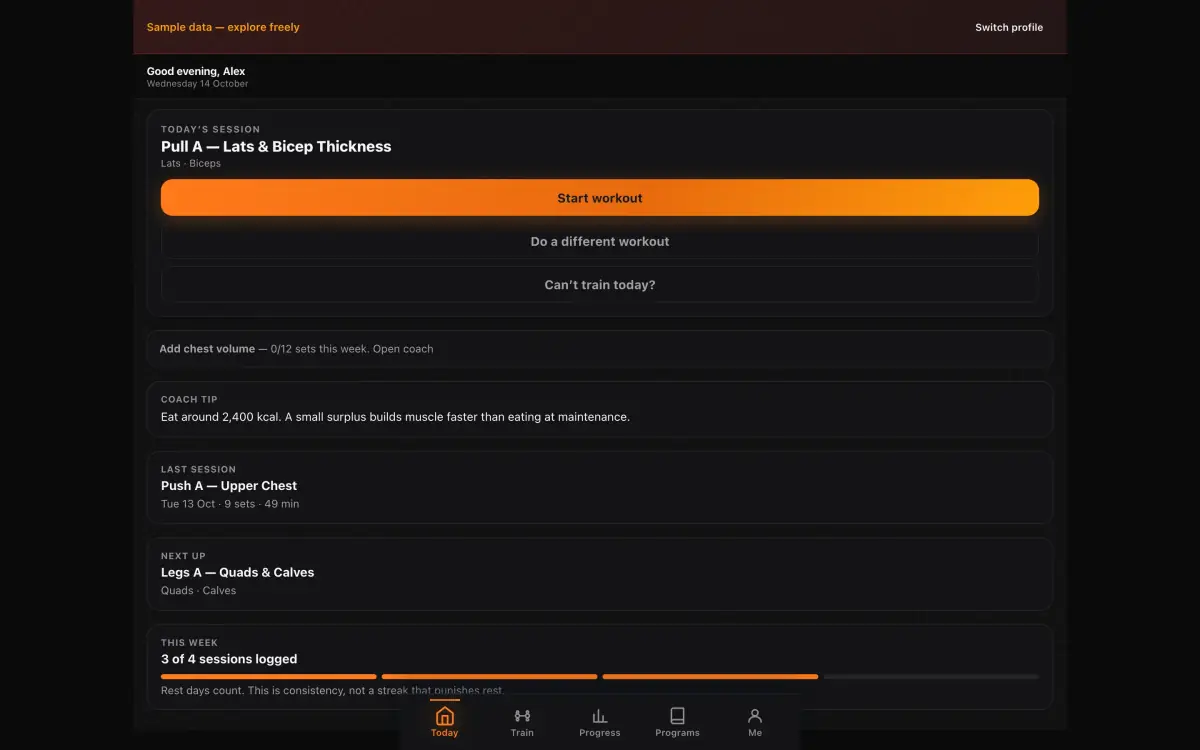
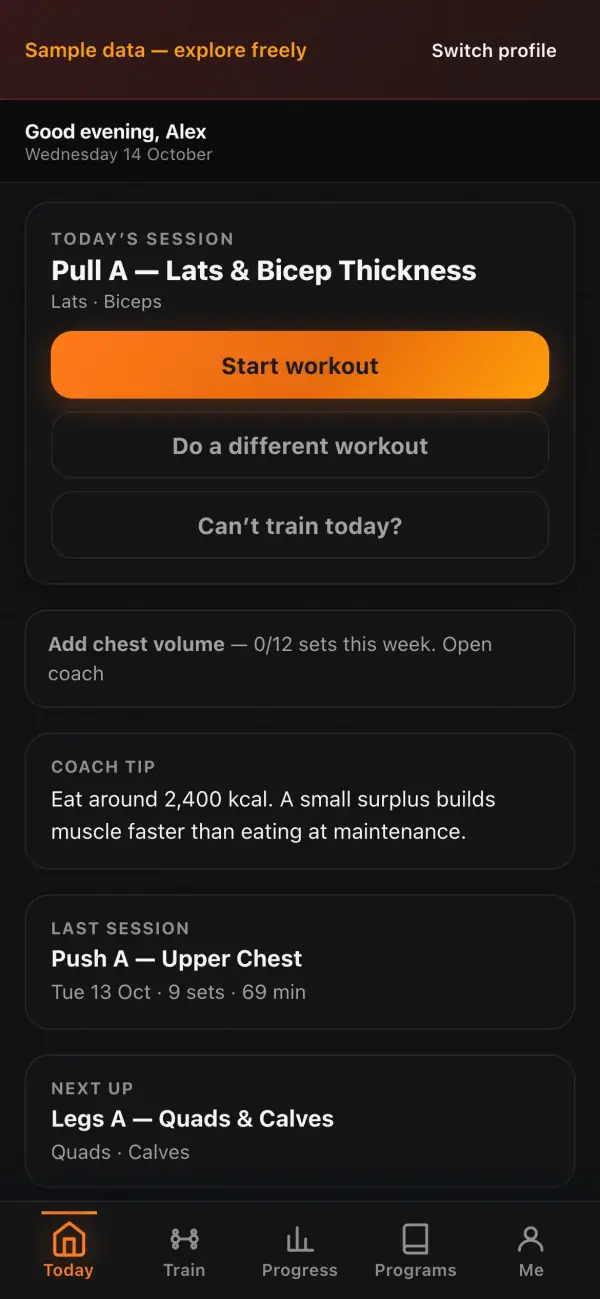
Example days with PulseCap
Fictional walkthroughs — people, screenshots, and numbers are made up for the story.
Every screen
14 screens from PulseCap 6.46.12, captured in light and dark on iPhone, iPad and Mac.
What it does
Your training log, your PRs, your recovery — on your phone.
- Exercise library with muscle mapping
- Smart Coach reads your history offline
- Recovery readiness — no wearable
- PR tracking
Today
- TodayToday’s session, readiness and Smart Coach at a glance.
Train
- WorkoutLog a set in two taps — rest timer included.
- Exercise library1,872 exercises with muscles, cues and equipment.
Plan
- My planYour program, week by week.
- Import a planPaste text or JSON, or pick a PDF — you review it before it’s saved.
- Split builderBuild your own training split.
Progress
- ProgressPRs, volume and trends.
- RecoveryRecovery readiness without a wearable.
- PhotosProgress photos that stay on your phone.
Health
- RehabMobility and rehab work — general guidance, not medical advice.
- NutritionMeals and macros, offline.
You
- ProfilesA profile for everyone who trains on this device.
- EquipmentTell PulseCap what your gym has.
- SettingsUnits, theme, data and privacy.
Privacy, plainly
Taken from PulseCap’s own privacy page.
Stays on your device
Workouts, plans, PRs, body measurements, progress photos and nutrition.
May leave your device
- Nothing for your data
- Optional voice logging uses your browser’s speech service, which may process audio — type instead if you prefer.
Never
- Analytics or trackers
- Ads
- An account to use it
- Selling or sharing your data
Put it on your Home Screen
PulseCap is a web app — installing takes a few seconds and it opens full-screen, offline.
iPhone & iPad
Open PulseCap in Safari, tap Share, then Add to Home Screen.
Mac
In Safari choose File → Add to Dock. In Chrome or Edge, click the install icon in the address bar.
Android
In Chrome, open the ⋮ menu and tap Install app.
Questions
Is it free?
Yes. Every feature, no ads, no subscriptions, no account.
Where is my data?
Workouts, plans, PRs, body measurements, progress photos and nutrition. It lives in this browser on this device — clearing site data erases it, so export a backup first.
Is Smart Coach an AI?
No. Smart Coach is rules applied to your own training history, on your phone.
Do I need a wearable?
No. Recovery readiness comes from your logs and check-ins.
Is this medical advice?
PulseCap gives general training guidance, not medical advice. Stop and get medical help if you feel pain, dizziness or chest discomfort.
Does it work offline?
Yes, after the first visit.
Latest release
v6.46.12
PulseCap gives general training guidance, not medical advice. Stop and get medical help if you feel pain, dizziness or chest discomfort.